
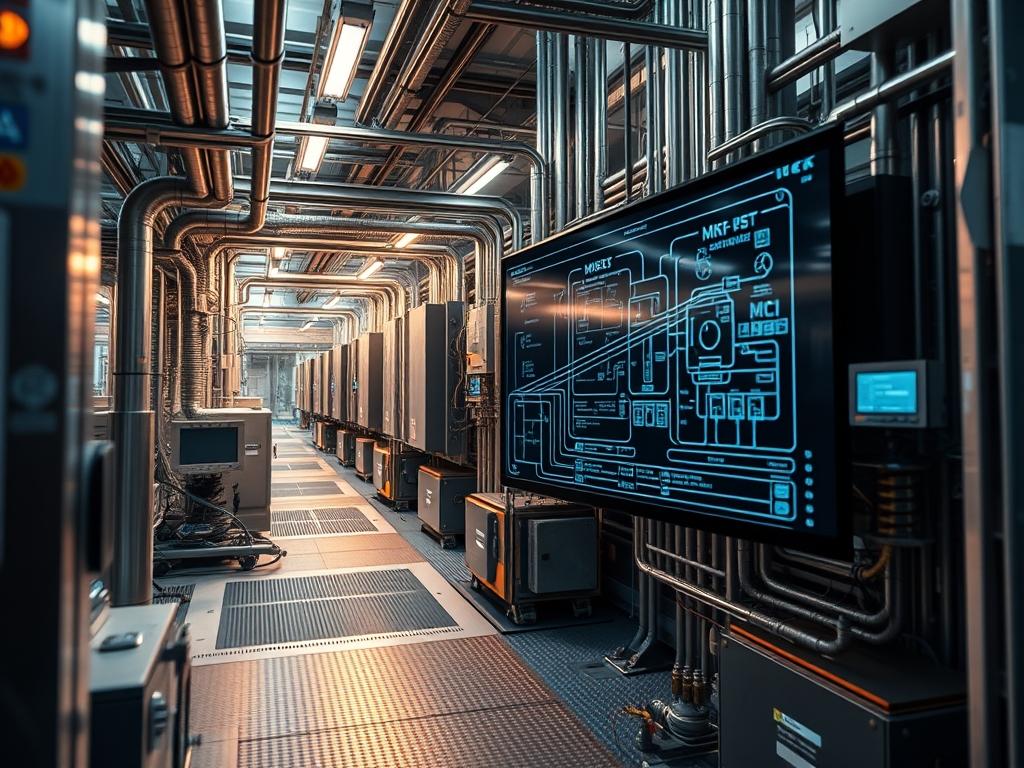
M-Bus Metering Communication serves as the specialized hierarchical system for the remote reading of utility meters; specifically focusing on the integration of water and gas consumption data into centralized building management systems (BMS) or energy management software. In the contemporary technical stack, M-Bus operates at the intersection of the physical infrastructure and the data link layer, providing a robust methodology for extracting high-fidelity telemetry from distributed sensors. The core problem addressed by this protocol is the logistical inefficiency and high latency associated with manual utility auditing and the inaccuracy of legacy pulse-output meters. By utilizing a two-wire bus system that provides both power and data signaling, M-Bus Metering Communication facilitates a unified ecosystem where complex data sets, such as flow rates, peak demand, and cumulative volume, are transmitted with significant reliability over long distances. This manual establishes the architectural framework for implementing such a system, ensuring that the integration of gas and water assets achieves optimal throughput and data integrity.
TECHNICAL SPECIFICATIONS
| Requirement | Default Port/Operating Range | Protocol/Standard | Impact Level (1-10) | Recommended Resources |
| :— | :— | :— | :— | :— |
| Bus Voltage (Mark) | 36V Nominal (21V to 42V) | EN 13757-2 | 10 | 12W to 60W Master Power |
| Communication Speed | 300 to 9600 Baud | EN 13757-3 | 07 | Twisted Pair (J-Y(St)Y) |
| Maximum Cable Length | 1000m at 2400 Baud | EN 13757-2 | 08 | 0.8mm Copper Cross-section |
| Data Encapsulation | Variable Data Structure | ANSI/ASHRAE 135 | 06 | 512MB RAM Gateway |
| Operating Temperature | -20C to +55C | IP67 (Sensor Grade) | 09 | Thermal Insulated Housing |
THE CONFIGURATION PROTOCOL
Environment Prerequisites:
Integration requires strict adherence to EN 13757 standards. Hardware must include an M-Bus to RS232, USB, or Ethernet level converter (Master) and compatible utility meters (Slaves). Ensure the host gateway runs a Linux kernel version 4.15 or higher to support modern serial port drivers. Software dependencies include libmbus, cmake, and access to a terminal with sudo or root privileges. For physical infrastructure, the twisted pair cabling must be separate from high-voltage AC lines to prevent signal attenuation and electromagnetic interference.
Section A: Implementation Logic:
The engineering design of M-Bus Metering Communication relies on a master-slave topology where the master initiates all data exchanges. The “Why” behind this design is to minimize power consumption at the meter level. M-Bus is unique because the master provides the power for the slave’s communication interface; meaning meters can operate for decades on internal batteries because the communication overhead is “funded” by the bus voltage. Data is transmitted via bit-serial modulation. The master communicates by modulating the voltage level (36V to 24V), while the slave responds by modulating the current consumption (increasing it by 11–20mA). This current-loop approach ensures that the system is relatively immune to voltage drops over long cable runs, making it the preferred method for gas and water distribution networks where meters are often located in subterranean or remote environments.
Step-By-Step Execution
1. Physical Layer Termination
Connect the two-wire bus to the terminal blocks of the water and gas meters. M-Bus is polarity independent; however, consistent wiring is recommended for maintenance. Use a fluke-multimeter to verify the idle bus voltage is approximately 36V DC at the furthest node.
System Note: This step establishes the physical carrier for the telegram. If the voltage drops below 21V, the slave transceivers will fail to wake, causing a permanent “Node Not Found” state in the link layer.
2. Primary Address Assignment
Assign a unique primary address (1-250) to each meter using the manufacturer’s configuration tool or via the mbus-serial-request-data command if the meter supports remote addressing.
System Note: The mbus-serial-request-data tool interacts with the serial driver to send a “SND_UD” (Send User Data) telegram. This modifies the non-volatile memory of the meter’s internal logic controller.
3. Serial Link Configuration
Configure the gateway’s serial port parameters to match the meter’s default baud rate (typically 2400). Run the command: stty -F /dev/ttyUSB0 2400 cs8 -cstopb -parenb.
System Note: This command modifies the kernel’s TTY buffer settings. Disabling parity and setting one stop bit ensures the raw byte stream from the M-Bus Metering Communication level converter is correctly interpreted by the OS.
4. Network Discovery Scan
Execute a secondary address scan to identify all connected devices on the bus. Use the command: mbus-serial-scan -b 2400 /dev/ttyUSB0.
System Note: This utility sends a wildcard broadcast. It relies on a collision-resolution algorithm where meters respond based on their unique 8-digit identification number (secondary address). This is a critical idempotent operation for large-scale deployments.
5. Data Retrieval and Parsing
Execute a data request for a specific meter ID: mbus-serial-request-data -b 2400 -p 1 /dev/ttyUSB0.
System Note: The gateway sends a “REQ_UD2” telegram. The slave responds with a variable data structure. The libmbus library then decapsulates the hex payload into a structured XML format, extracting variables such as “Volume in m3” or “Flow temperature.”
Section B: Dependency Fault-Lines:
Common failures in M-Bus Metering Communication integration often stem from bus overload. Every slave meter draws a “unit load” (approx. 1.5mA). If the number of slaves exceeds the master’s rated capacity, the voltage modulation becomes sluggish, leading to packet-loss. Another frequent bottleneck is the use of high-capacitance cables; this causes signal rounding, where the square-wave edges of the bitstream are blurred, resulting in framing errors. In software, library conflicts between libmbus versions can lead to malformed XML output; especially when dealing with newer VIF (Value Information Field) codes for gas energy content.
THE TROUBLESHOOTING MATRIX
Section C: Logs & Debugging:
When a meter fails to respond, initiate a trace on the serial port. Use cat /dev/ttyUSB0 | hexdump -C to view the incoming raw hex. If the hex stream begins with 0xE5, the meter has acknowledged the request but has no data. If the stream is empty, check the physical fuse on the level converter.
Log files located at /var/log/syslog should be filtered for “tty” related errors. A “Timeout” error confirms that the master sent a request but the slave failed to modulate the current. This typically indicates a short circuit on the line or a depleted meter battery. To verify sensor readout accuracy, compare the “VIF/VIFE” codes in the log with the EN 13757-3 lookup table. If a gas meter reports values 10x higher than expected, the “Dimension” field in the M-Bus telegram is likely misconfigured, requiring an adjustment to the parsing logic in the gateway configuration file at /etc/mbus/config.json.
OPTIMIZATION & HARDENING
Performance Tuning:
To minimize latency in high-density environments, implement a multi-master strategy or segment the bus. Parallelizing requests can significantly increase throughput; however, the M-Bus Metering Communication protocol is inherently sequential. To optimize, use a “Selective Polling” interval. Critical meters (e.g., main building water intake) should be polled every 15 minutes, while domestic gas meters can be polled once every 24 hours. This reduces the mechanical wear on the gas meter’s electronic register and preserves battery life.
Security Hardening:
The physical M-Bus line is inherently insecure and susceptible to man-in-the-middle attacks via physical tapping. For high-security environments, ensure all telegrams use the OMS (Open Metering System) standard, which implements AES-128 encryption at the application layer. On the gateway, restrict access to the serial port using chmod 600 /dev/ttyUSB0 and ensure the polling service runs under a non-privileged user. Implement a firewall rule to block all outbound traffic from the gateway except to the designated central data collector’s IP address.
Scaling Logic:
Scaling M-Bus Metering Communication across an enterprise campus requires a transition from serial-to-USB converters to Ethernet-based M-Bus Gateways. These devices encapsulate M-Bus telegrams into TCP/IP packets. This allows the centralized auditor to poll thousands of meters across different physical buildings from a single virtualized server. When scaling, ensure that the “Collision Avoidance” parameters are increased in the software layer to account for the increased network latency of the underlying IP backhaul.
THE ADMIN DESK
How do I resolve duplicate primary addresses?
Use the secondary addressing mode (the unique 8-digit ID) to send a “SND_UD” command to the specific meter. Instruct the meter to change its primary address variable to a null value or a unique integer between 1 and 250.
Why is my gas meter not appearing in the scan?
Gas meters often enter a “sleep mode” to conserve power. Ensure the level converter provides a robust wake-up signal. Verify that the meter’s internal clock is synchronized; some gas meters only enable communication during specific hourly windows.
Can I run M-Bus over existing telephone wiring?
Yes, provided the distance does not exceed 100 meters and the cable is twisted pair. However, standard telephone wire has higher signal-attenuation than J-Y(St)Y cable; which might limit the maximum baud rate to 300 or 600.
What causes periodic “Checksum Error” in logs?
This is usually a result of electromagnetic interference from nearby heavy machinery or variable frequency drives (VFDs). Ensure the M-Bus cable shield is grounded at the master side only to prevent ground loops and inductive noise.