
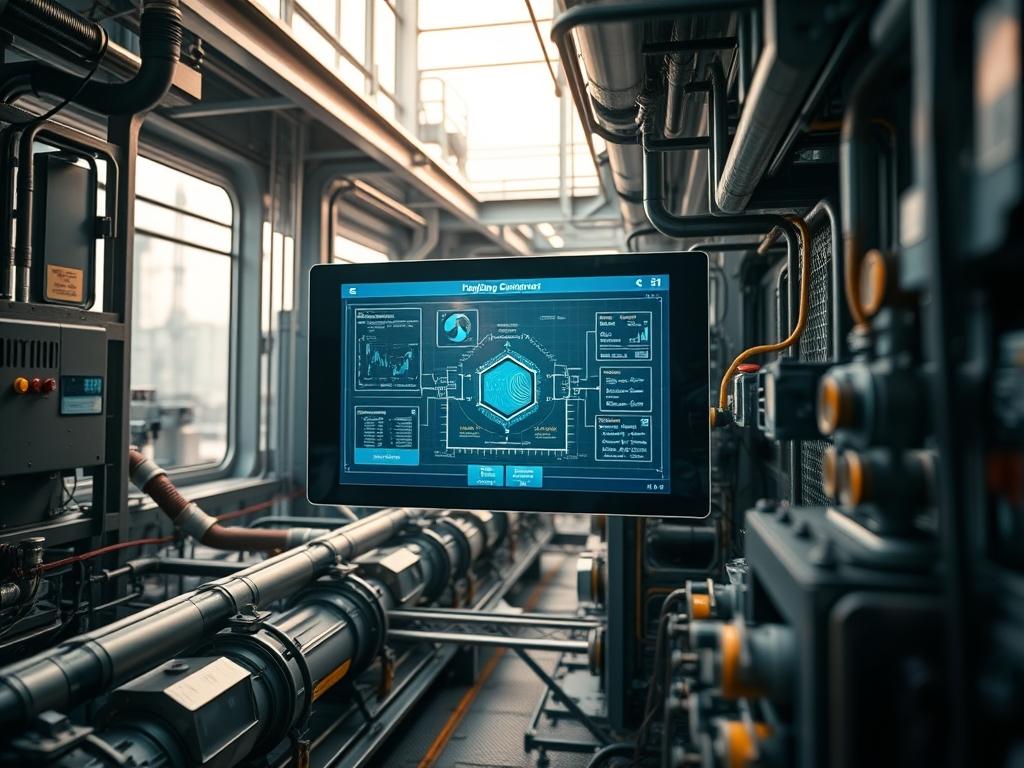
Utility Portal Data Visualization represents the technical convergence of high-frequency industrial telemetry and user-centric analytical interfaces. In the contemporary utility landscape; whether managing electrical grids, municipal water distribution, or large-scale cloud infrastructure; the ability to transform raw sensor data into actionable visual intelligence is critical. This manual addresses the transition from legacy SCADA (Supervisory Control and Data Acquisition) systems to modern, reactive web-based portals. The primary objective is to mitigate high latency and reduce cognitive overhead for operators. By implementing a standardized visualization layer, organizations can identify patterns in throughput and detect anomalous packet-loss before physical assets reach critical failure points. This architecture focuses on a robust “Data Ingest to Visual Output” pipeline, ensuring that every payload delivered to the dashboard is accurate, secure, and contextually relevant. Through the use of idempotent deployment scripts and hardened security protocols, this manual provides a blueprint for an enterprise-ready Utility Portal Data Visualization system.
Technical Specifications
| Requirement | Default Port/Range | Protocol/Standard | Impact Level | Recommended Resources |
| :— | :— | :— | :— | :— |
| Ingress Gateway | Port 1883/8883 | MQTT / TLS 1.3 | 9 | 2 vCPU / 4GB RAM |
| Time-Series Database | Port 8086 | InfluxQL / Flux | 10 | 4 vCPU / 8GB RAM / SSD |
| Visualization Engine | Port 3000 | HTTPS / OAuth2 | 8 | 2 vCPU / 2GB RAM |
| Field Controller | 4-20mA / 0-10V | Modbus TCP / DNP3 | 7 | PLC-Grade ARM Cortex |
| API Middleware | Port 443 | REST / GraphQL | 6 | 1 vCPU / 1GB RAM |
| Edge Node | N/A | IEEE 802.11ax / 5G | 5 | Industrial Gateway |
THE CONFIGURATION PROTOCOL
Environment Prerequisites:
Successful deployment of a Utility Portal Data Visualization suite requires a Linux-based environment (specifically Ubuntu 22.04 LTS or RHEL 9). The kernel must support high-concurrency networking; version 5.15 or higher is recommended. Ensure that docker-engine and docker-compose-v2 are installed to facilitate containerized service management. On the hardware side, field sensors must adhere to IEEE 802.3 standards for wired backhaul or IEC 61850 for substation automation. User permissions must be strictly segmented: administrative access requires sudo privileges, while the visualization service should run under a non-privileged service-account to minimize the attack surface.
Section A: Implementation Logic:
The theoretical foundation of this engineering design rests on the principle of data encapsulation and asynchronous processing. In high-load utility environments, synchronous data fetching causes unacceptable latency, leading to dashboard “stuttering” during peak usage. The logic employs a pub/sub (publisher/subscriber) model where field assets push data to an intermediary broker. This decouples the data source from the visual representation, allowing for high throughput without taxing the field controllers. Furthermore, the visualization layer utilizes localized caching mechanisms to ensure that the user interface remains responsive even if the backend database experiences momentary spikes in concurrency. This design ensures that the thermal-inertia of physical cooling systems or the voltage fluctuations of a grid are reflected in real-time with sub-second precision.
Step-By-Step Execution
Step 1: System Level Hardening and Repository Setup
The first phase involves preparing the host OS for the Utility Portal Data Visualization stack. Execute sudo apt-get update && sudo apt-get upgrade -y to patch known vulnerabilities. Next, create a dedicated directory for the stack using mkdir -p /opt/utility-portal. Set the ownership of this directory to the service user using chown -R utility-user:utility-user /opt/utility-portal.
System Note: This action ensures that the underlying kernel handles file I/O operations with the correct permission bits. By moving the stack to /opt/, we follow FHS (Filesystem Hierarchy Standard) conventions, which prevents accidental modification by automated cleanup scripts.
Step 2: Provisioning the Time-Series Data Ingest Layer
Deploy the database container using a structured yaml configuration. The time-series database is the backbone of Utility Portal Data Visualization. Use the command docker-compose -f /opt/utility-portal/docker-compose.yml up -d influxdb. Verify the listener status using ss -tulpn | grep 8086.
System Note: The database service manages the high-velocity ingestion of telemetry data. By running this in a detached container, the system isolates the database process, preventing memory leaks in the ingest layer from compromising the main visualization service.
Step 3: Calibrating Field Telemetry via Logic Controllers
Connect the physical sensing hardware (e.g., a fluke-multimeter with logging or a Siemens PLC). If using Modbus, configure the telegraf agent to poll the registers at specific intervals. Use nano /etc/telegraf/telegraf.conf to define the input registers. Test the connection with telegraf –test.
System Note: This step bridges the physical and digital domains. The telegraf agent acts as a protocol translator, converting proprietary electrical signals into standardized JSON payloads. This minimizes signal-attenuation issues by processing the data as close to the source as possible.
Step 4: Visual Interface Configuration and Plugin Injection
Install the visualization engine using sudo systemctl start grafana-server. Once the service is active, navigate to the web interface and inject the necessary plugins for utility-specific charts (e.g., world maps for grid locations or gauge clusters for substation health). Use the grafana-cli plugins install command to add features without restarting the entire stack.
System Note: The visualization engine queries the database via optimized SQL or Flux paths. This step establishes the logic for how the throughput of the system is displayed to the end-user: ensuring that critical alarms are prioritized in the rendering pipeline.
Step 5: Establishing Fail-Safe Logic and Alarming
Configure the alerting engine to monitor for packet-loss or data gaps. Edit the alerting rules within the portal to trigger a webhook if values exceed the safe operating range defined by the asset’s thermal-inertia specs. Use curl -X POST to test the notification endpoint.
System Note: This provides a recursive feedback loop. The system not only visualizes data but also monitors its own health. If the latency of the data stream exceeds a predefined threshold (e.g., 500ms), the system automatically flags the data point as “Stale” to prevent operator error.
Section B: Dependency Fault-Lines:
The most common point of failure in Utility Portal Data Visualization is Mismatched Schema Logic. If the field controller sends a 32-bit float but the database expects a 64-bit integer, the ingest service will crash or drop the payload. Another frequent bottleneck is Networking Congestion at the gateway. If the MTU (Maximum Transmission Unit) settings on the edge router are not aligned with the VPN encapsulation overhead, fragmented packets will lead to significant packet-loss. Always verify the network path using mtr -n [target_ip] to pinpoint where signal-attenuation or routing loops occur.
THE TROUBLESHOOTING MATRIX
Section C: Logs & Debugging:
When a visualization fails to render, the first point of inspection is the service log. Use journalctl -u grafana-server -f to watch the real-time logs for authentication errors or visual rendering timeouts. For database-specific issues, check /var/log/influxdb/influxd.log for “Points Rejected” errors: this usually indicates a full disk or an exhausted memory buffer due to high concurrency.
If the data appears frozen, verify the physical sensor connectivity. Use a logic-analyzer or industrial-multimeter to check the voltage across the RS-485 or Ethernet pins. A voltage drop below operational standards usually signals physical signal-attenuation caused by electromagnetic interference (EMI) from nearby high-voltage lines. Ensure all shielding is grounded to a common bus-bar to prevent ground loops.
OPTIMIZATION & HARDENING
Performance Tuning:
To maximize throughput, adjust the database’s write buffer. In the configuration file, increase the max-values-per-tag and write-buffer-size parameters. This allows the system to handle thousands of concurrent sensor streams without increasing CPU overhead. On the front-end, enable “Template Variable Caching” to reduce the number of redundant queries sent to the backend. This is especially vital when hundreds of users are accessing the Utility Portal Data Visualization simultaneously.
Security Hardening:
Security in utility environments is non-negotiable. Implement TLS 1.3 for all data in transit to ensure the payload cannot be sniffed by unauthorized actors. Use iptables or ufw to restrict access to ports 8086 and 3000 to known IP ranges only. Furthermore, implement “Rate Limiting” on the API gateway to prevent Denial of Service (DoS) attacks that could blind operators during a critical grid event. Ensure all service accounts follow the principle of least privilege: no visualization user should ever have DROP or DELETE permissions on the telemetry database.
Scaling Logic:
As the utility network grows, the monolithic architecture must shift to a distributed microservices model. Use a load balancer (such as HAProxy or NGINX) to distribute visualization requests across multiple nodes. For the storage layer, implement a clustered database approach to ensure high availability. This ensures that even if one node fails due to a hardware malfunction, the Utility Portal Data Visualization remains online: maintaining the safety and reliability of the underlying infrastructure.
THE ADMIN DESK
How do I fix “Data Source Error” on the dashboard?
Verify the database service status using systemctl status influxdb. Ensure the API key has not expired and that the firewall allows traffic on the specified port. Check for network latency spikes between the portal and the storage node.
Why is there a significant lag in sensor updates?
This is typically caused by high overhead in the ingest pipeline. Optimize the polling interval in your field controller. If packet-loss is high, check for signal-attenuation in the physical cabling or interference in the wireless backhaul.
How are visual alerts synchronized with physical sirens?
The portal uses an outgoing webhook or an MQTT publish command. When a threshold is crossed, the software sends a signal to a logic controller (PLC), which then triggers the physical relay for the alarm system.
Can I export the visualization data for audit purposes?
Yes. Use the built-in CSV or PDF export functions. For automated audits, use the REST API to pull raw payload data directly from the time-series database into your compliance reporting software for further analysis.