
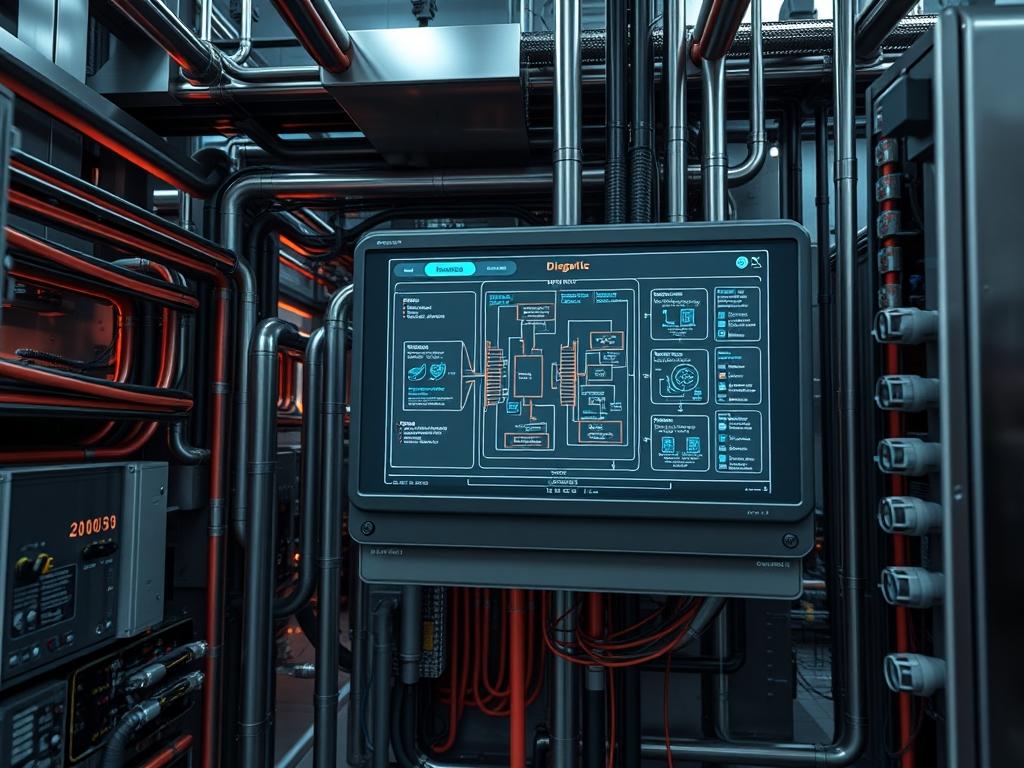
Smart Meter Submetering Setup represents the granular integration of digital power logic into a commercial or industrial infrastructure. Unlike primary utility metering, which offers a singular viewpoint of total facility intake, submetering involves a distributed topology of secondary measurement devices installed downstream of the main service entrance. This setup provides the technical foundation for cost allocation, demand response, and preventive maintenance by isolating specific electrical loads such as HVAC chillers, server rows, or tenant suites. Within the modern technical stack, these meters act as edge nodes that bridge the gap between high-voltage physical assets and cloud-based analytics platforms. The primary problem addressed by this architecture is the opaque nature of bulk energy data, which masks systemic inefficiencies and prevents granular billing. By implementing a robust Smart Meter Submetering Setup, architects move from a reactive consumption model to a proactive management strategy, utilizing real-time data to mitigate peak demand charges and detect equipment failure before critical downtime occurs.
TECHNICAL SPECIFICATIONS
| Requirement | Default Port/Operating Range | Protocol/Standard | Impact Level (1-10) | Recommended Resources |
| :— | :— | :— | :— | :— |
| Serial Communication | Port 502 (TCP) / RS-485 (RTU) | Modbus RTU/TCP | 9 | Cat6 or Shielded Twisted Pair |
| Voltage Monitoring | 120V to 600V AC | ANSI C12.20 Class 0.5 | 10 | 18AWG Tinned Copper Wire |
| Gateway Processing | 1.2GHz Dual Core | Linux/OpenWRT | 7 | 1GB RAM / 8GB Flash |
| Data Latency | < 500ms | IEEE 802.3ah | 6 | 10/100 Mbps Ethernet |
| Wireless Backhaul | 2.4GHz / 915MHz | Zigbee/LoRaWAN | 5 | High-gain Omni Antenna |
| Security Layer | Port 443 | TLS 1.3 / MQTT-S | 8 | Hardware Security Module (HSM) |
THE CONFIGURATION PROTOCOL
Environment Prerequisites:
Successful deployment requires strict adherence to National Electrical Code (NEC) standards and Local Authority Having Jurisdiction (AHJ) guidelines. Hardware dependencies include Current Transformers (CTs) sized correctly for the monitored circuit amperage and Potential Transformers (PTs) if system voltage exceeds meter ratings. Software prerequisites include a Linux-based gateway running systemd, Python 3.8+, and OpenSSL. Users must possess administrative privileges (sudo) for system configuration and a certified electrician license for physical high-voltage terminations.
Section A: Implementation Logic:
The engineering philosophy behind this setup is built on data encapsulation and modularity. Each physical meter captures analog signals through induction, converts them into digital registers, and encapsulates this data into Modbus or BACnet frames. The logic dictates an idempotent data collection cycle; the gateway must be able to poll the meters repeatedly without altering the state of the meter’s internal registers. By decoupling the acquisition layer (metering) from the transport layer (gateway/cloud), we minimize signal-attenuation over long serial runs and ensure that packet-loss at the network level does not corrupt the physical measurement logic at the edge.
THE STEP-BY-STEP EXECUTION
Step 1: Physical Integration of Current Transformers
Verify the orientation of the Current Transformers (CTs) relative to the direction of current flow. Typical installations require the arrow or label on the CT to face the utility source. Tighten all secondary leads to ensure no open-circuit condition occurs during operation.
System Note: Failure to maintain a closed loop on the CT secondaries can result in extreme high-voltage transients on the sensing circuit, potentially damaging the meter’s analog-to-digital converter (ADC) or presenting a safety hazard.
Step 2: Establishing the Serial Bus and Termination
Connect the meters in a daisy-chain topology using shielded twisted-pair cabling. Note the positive (A), negative (B), and shield (G) markings. Install a 120-ohm resistor at the physical end of the RS-485 run to prevent signal reflection.
System Note: High-frequency reflections on long serial lines cause signal-attenuation and bit errors. This physical termination ensures impedance matching, which is critical for maintaining high throughput in high-interference industrial environments.
Step 3: Provisioning the Linux Management Gateway
Access the gateway via SSH and identify the serial port using dmesg | grep tty. Set the correct permissions for the serial interface using chmod 666 /dev/ttyUSB0 to allow the polling service to access the hardware interface.
System Note: Modifying the device permissions at the kernel level allows the user-space polling daemon to interact with the hardware abstraction layer without requiring root execution for every cycle, enhancing overall security.
Step 4: Configuring the Modbus Polling Daemon
Edit the configuration file located at /etc/submeter/config.yaml to define the meter IDs, baud rates, and register addresses for Power (kW), Energy (kWh), and Power Factor. Use systemctl enable submeter-collector to ensure the service persists after a reboot.
System Note: Using systemctl manages the lifecycle of the data collection service, providing automated restarts if the process encounters an unhandled exception or memory leak.
Step 5: Validating Data Ingestion and Synchronization
Execute the command tail -f /var/log/submeter-data.log to verify that the payload is being formatted correctly. Check that the NTP (Network Time Protocol) service is synchronized using chronyc tracking to ensure timestamp accuracy.
System Note: Time synchronization is non-negotiable for commercial billing. If the system clock drifts, the concurrency of data across multiple meters is lost, leading to inaccurate demand calculations and potential billing disputes.
Section B: Dependency Fault-Lines:
The most common point of failure in a Smart Meter Submetering Setup is the RS-485 to USB bridge driver compatibility. Many low-cost gateways use counterfeit chipsets that exhibit high latency or drop connections under heavy concurrency. Always verify that the ftdi_sio or ch341 drivers are updated within the Linux kernel to avoid buffer overflows. Mechanical bottlenecks often arise from improperly sized CTs that reach magnetic saturation too early, causing non-linear measurement errors that are difficult to detect via software logs alone.
THE TROUBLESHOOTING MATRIX
Section C: Logs & Debugging:
When a communication failure occurs, the first point of analysis should be the gateway’s system log. If the error “Resource temporarily unavailable” appears, it indicates a serial port conflict or a locked file descriptor.
1. Check for active locks: ls /var/lock/LCK..ttyUSB0.
2. Identify the process holding the lock: fuser -v /dev/ttyUSB0.
3. Verify the Modbus slave response: Use modbus-cli to read a single register from a specific slave ID. If the response is “Timeout,” check for physical signal-attenuation or incorrect parity settings.
Physical cues also assist in debugging. A rapidly flashing “Comm” LED on the meter indicates active polling, while a solid light suggests a wiring polarity reversal. For water or gas meters integrated via pulse-counters, verify the “Debounce” settings in the gateway to prevent double-counting caused by mechanical relay chatter.
OPTIMIZATION & HARDENING
Performance Tuning:
To maximize throughput, adjust the polling interval based on the volatility of the load. High-priority circuits (e.g., data center UPS) should be polled every 5 seconds, while lighting loads can be set to 60-second intervals to reduce network overhead. Implement concurrency in the polling script by utilizing asynchronous I/O (AsyncIO) in Python; this allows the gateway to initiate requests to multiple meter IDs simultaneously rather than waiting for sequential responses.
Security Hardening:
The gateway resides at the intersection of the OT and IT networks, making it a target for lateral movement. Implement iptables rules to restrict incoming traffic to specific management IPs. Disable all non-essential services like Telnet or FTP. Encapsulate all upstream data in an encrypted tunnel using MQTT over TLS on port 8883. Ensure that the RS-485 physical layer is protected by tamper-evident seals on junction boxes to prevent local “Man-in-the-Middle” attacks on the serial bus.
Scaling Logic:
When expanding the setup to 100+ meters, move from a single daisy-chain to a tree topology using Modbus TCP gateways. This reduces the “Blast Radius” of a single cable break and allows for higher consolidated throughput. Use an idempotent configuration management tool like Ansible to push updates to multiple gateways across different facility wings, ensuring uniformity in the software stack and firmware versions.
THE ADMIN DESK
How do I fix “Invalid CRC” errors?
Check for electromagnetic interference (EMI) near the communication lines. Ensure the shield of the RS-485 cable is grounded at only one point (the gateway) to prevent ground loops. Verify that the end-of-line termination resistor is exactly 120 ohms.
Why is my kWh reading higher than the utility?
Verify the CT ratio settings in the meter configuration. If the CT is 200:5 but the meter is programmed for 400:5, the calculated energy will be doubled. Also, check for thermal-inertia issues in the panel causing resistance spikes.
Can I run this over a corporate Wi-Fi?
It is not recommended for high-reliability billing. Wi-Fi introduces packet-loss and latency fluctuations. If wireless is mandatory, use a dedicated IoT VLAN with WPA3-Enterprise security and prioritize the traffic using Quality of Service (QoS) rules.
What happens during a power outage?
The gateway should be on a UPS. High-quality smart meters store cumulative energy (kWh) in non-volatile memory. Once power is restored, the gateway should perform an idempotent sync to catch up on the missed time-series data intervals.
How do I update meter firmware remotely?
Only attempt this if the meter supports Modbus file transfer. Ensure the gateway has a stable backhaul connection. Use the sysfs interface to monitor the transfer and have a physical fallback plan if the device enters a boot-loop.