
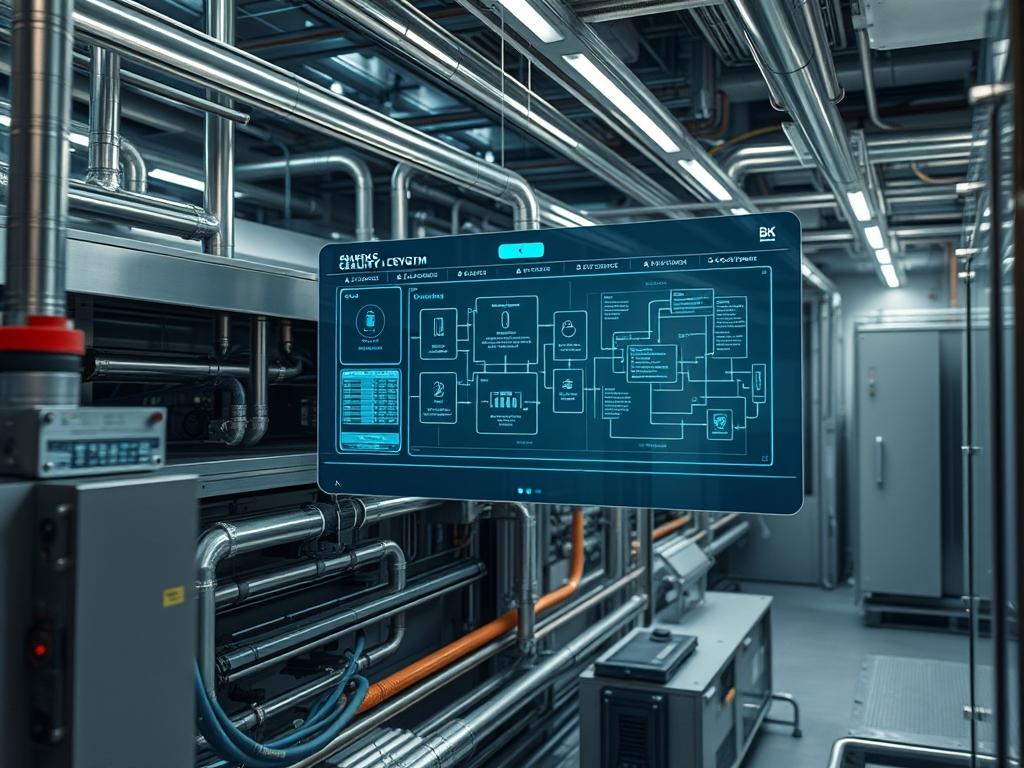
Energy Efficient Cooling Logic (EECL) represents the architectural integration of real-time thermal telemetry into the automated environmental control systems of modern data centers. In traditional server room environments, cooling infrastructure often operates on static set-points that lead to significant energy waste; the systems consume power at peak levels regardless of the actual computational payload. EECL mitigates this by creating a dynamic feedback loop between the heat-generating physical assets and the cooling distribution units. By defining a granular response to thermal-inertia, the logic ensures that Air Handling Units (AHUs) and Computer Room Air Conditioning (CRAC) units modulate their output based on the specific requirements of the network infrastructure. This transition from reactive to predictive cooling reduces the Power Usage Effectiveness (PUE) ratio, directly lowering operational overhead. The solution addresses the problem of thermal hotspots and energy inefficiency by implementing a high-throughput data layer that encapsulates sensor metrics into actionable control commands.
Technical Specifications
| Requirement | Default Port/Operating Range | Protocol/Standard | Impact Level (1-10) | Recommended Resources |
| :— | :— | :— | :— | :— |
| Thermal Sensors | 15C to 35C | MODBUS/TCP | 9 | Low Latency I/O |
| Logic Controller (PLC) | Port 502 (Modbus) | IEEE 802.3 | 10 | 1GB RAM / Dual Core ARM |
| Variable Frequency Drives | 0Hz to 60Hz | BACnet/IP | 8 | High Torque Material Grade |
| Orchestration Engine | Port 443 (HTTPS) | TLS 1.3 / REST | 7 | 4 Core CPU / 16GB RAM |
| Humidity Regulators | 40% to 60% rH | SNMP v3 | 6 | Industrial Humidifier |
The Configuration Protocol
Environment Prerequisites:
Before initiating the deployment of Energy Efficient Cooling Logic, the facility must comply with ASHRAE Technical Committee 9.9 standards for data center temperatures. Hardware requirements include industrial-grade PLCs (Programmable Logic Controllers) and a distribution of DHT22 or PT100 sensors across the cold and hot aisles. All software components require a Linux-based kernel (Ubuntu 22.04 LTS or RHEL 9) with python3-motes and modbus-tools installed. The user executing the configuration must have root or sudo privileges to modify system daemons and physical device mappings.
Section A: Implementation Logic:
The engineering design of EECL focuses on the concept of the PID (Proportional-Integral-Derivative) loop. Instead of a binary “On/Off” state, the logic calculates the “Error” value as the difference between a desired thermal set-point and the measured ambient temperature. The “Proportional” component responds to the current error; the “Integral” component accounts for the accumulation of past errors, addressing persistent thermal-inertia; and the “Derivative” component predicts future error based on the rate of change. This prevents “hunting,” where the cooling system constantly overshoots and undershoots the target temperature. By using this logic, the system maintains a steady-state environment that protects sensitive semiconductor components from thermal expansion and contraction cycles.
Step-By-Step Execution
1. Physical Sensor Calibration and Mapping
Verify the accuracy of every thermal probe using a fluke-multimeter with a calibrated thermocouple. Assign each sensor a unique ID within the MODBUS register map.
System Note: This action ensures that the physical signal-attenuation over long cable runs is accounted for in the software logic. Mapping the hardware address to a logical variable allows the kernel to identify which rack is requesting increased throughput.
2. Configure the Logic Controller Interface
Establish a connection to the PLC via the modbus-vcl tool. Initialize the communication parameters using mbpoll -m tcp -a 1 -r 100 -c 10 [IP_ADDRESS].
System Note: This command polls the registers of the logic controller to ensure the payload is being received without packet-loss. It verifies that the network infrastructure can handle the concurrency of multiple sensor streams.
3. Deploy the Cooling Logic Daemon
Copy the control script to /usr/local/bin/cooling_logic.py and set the execution permissions using chmod +x /usr/local/bin/cooling_logic.py. Create a systemd service file at /etc/systemd/system/cooling.service to manage the lifecycle of the logic engine.
System Note: Setting the script as a systemd service ensures it starts automatically during the boot sequence and allows the OS to monitor the process for crashes. This provides high availability for the thermal management layer.
4. Initialize and Enable the Control Service
Execute systemctl daemon-reload followed by systemctl enable –now cooling.service. Verify the operational status using systemctl status cooling.service.
System Note: This registers the cooling logic within the init system, allowing it to interface with the hardware abstraction layer. It ensures that the PID loop begins calculating the thermal load and modulating VFD frequencies immediately.
5. Validate VFD Response via BACnet
Use the bac0 library or a similar tool to send a manual override command to the Variable Frequency Drive: vfd_control –set-frequency 45.0. Observe the AHU fan speed to confirm mechanical compliance.
System Note: This test bypasses the automated logic to verify that the physical cooling asset responds to the digital payload. It confirms that the translation from software logic to mechanical energy is seamless and idempotent.
Section B: Dependency Fault-Lines:
Software conflicts typically arise when multiple services attempt to bind to the same MODBUS port (502) or when the polling frequency exceeds the physical limit of the sensor hardware. If the sensor refresh rate is too high, signal-attenuation may occur, leading to “ghost” readings. Furthermore, mechanical bottlenecks such as clogged filters or failing bearings in CRAC units can prevent the hardware from achieving the fan speeds requested by the logic. Always ensure that the firmware versions of the PLCs match the library requirements of the orchestration engine to avoid encapsulation errors in the data packets.
The Troubleshooting Matrix
Section C: Logs & Debugging:
When the system fails to maintain the thermal set-point, the first point of analysis should be the logic logs located at /var/log/cooling_logic.log. Look for error strings such as “MODBUS_ERR_TIMEOUT” or “PID_DOMAIN_ERROR”. Detailed sensor readouts can be verified by checking /sys/class/thermal/thermal_zone*/temp on local gateway devices.
If a “SIGNAL_INVALID” error appears:
1. Check the physical wiring for electromagnetic interference.
2. Use tcpdump -i eth0 port 502 to inspect the incoming data packets for corruption.
3. Verify that the sensor has not exceeded its maximum operating range, which can cause the logic to default to a “fail-safe” maximum cooling state.
If the fan speeds are not modulating despite valid sensor data:
1. Check the VFD control board for manual lockout triggers.
2. Verify that the systemctl service has sufficient permissions to write to the serial or network interface.
3. Inspect the PID constants in the configuration file; if the “Proportional” gain is too low, the system will not react to temperature spikes.
Optimization & Hardening
Performance Tuning:
To increase the efficiency of the EECL, implement “Night-Mode” protocols that leverage lower external ambient temperatures for free-cooling. Adjust the PID polling interval from 1 second to 5 seconds to reduce CPU overhead on the logic controller, as thermal-inertia prevents instantaneous temperature changes anyway. Ensure that the logic accounts for “Delta T” (the difference between intake and exhaust air) rather than just the intake temperature for a more accurate representation of the heat load.
Security Hardening:
The cooling infrastructure must be isolated on a dedicated Management VLAN with strictly enforced iptables or nftables rules. Only the orchestration server should have access to Port 502 on the PLCs. Use chmod 600 on all configuration files containing industrial protocol credentials. Disable unused services on the logic controllers to reduce the attack surface. Ensure that all BACnet communications are encapsulated within a VPN if they must traverse a public or shared network.
Scaling Logic:
As the server room expands, the EECL should be scaled horizontally by adding more sensors and local PLC nodes. The central orchestration engine should use a message broker like MQTT to handle the increased concurrency of thermal data. This ensures that the system maintains low latency in its feedback loop even as the number of physical assets grows. Adopting a modular approach allows for “Zone-Based” cooling, where specific sections of the data center can be optimized independently based on their specific workload characteristics.
The Admin Desk
How do I reset a non-responsive sensor node?
Access the node via SSH and run systemctl restart sensor_gateway. If the issue persists, power-cycle the physical PLC. Check the MODBUS register using mbpoll to ensure the hardware is still acknowledging requests after the restart.
What is the ideal PUE target with this setup?
A well-configured EECL system should aim for a PUE between 1.1 and 1.3. Achieving this requires aggressive use of variable fan speeds and optimizing the chilled water supply temperature to match the actual heat dissipation requirements of the racks.
How does the system handle a total sensor failure?
The logic is designed with a “Fail-Safe” mode. If the daemon loses contact with more than 30% of the sensors, it triggers an iptables alert and forces all CRAC units to 100% capacity to prevent thermal runaway.
Can I integrate this with Cloud-based monitoring?
Yes. You can export the thermal metrics to an external endpoint via a secure REST API. Use curl to POST the JSON-formatted payload to your monitoring dashboard, ensuring the transmission is encrypted via TLS 1.3 to maintain security.
Why is my CRAC unit short-cycling?
Short-cycling is usually caused by a “Differential” setting that is too narrow. Increase the dead-band range in the logic configuration to ensure the cooling does not trigger for minor fluctuations of 0.1 degrees. This preserves the mechanical lifespan of the compressors.