
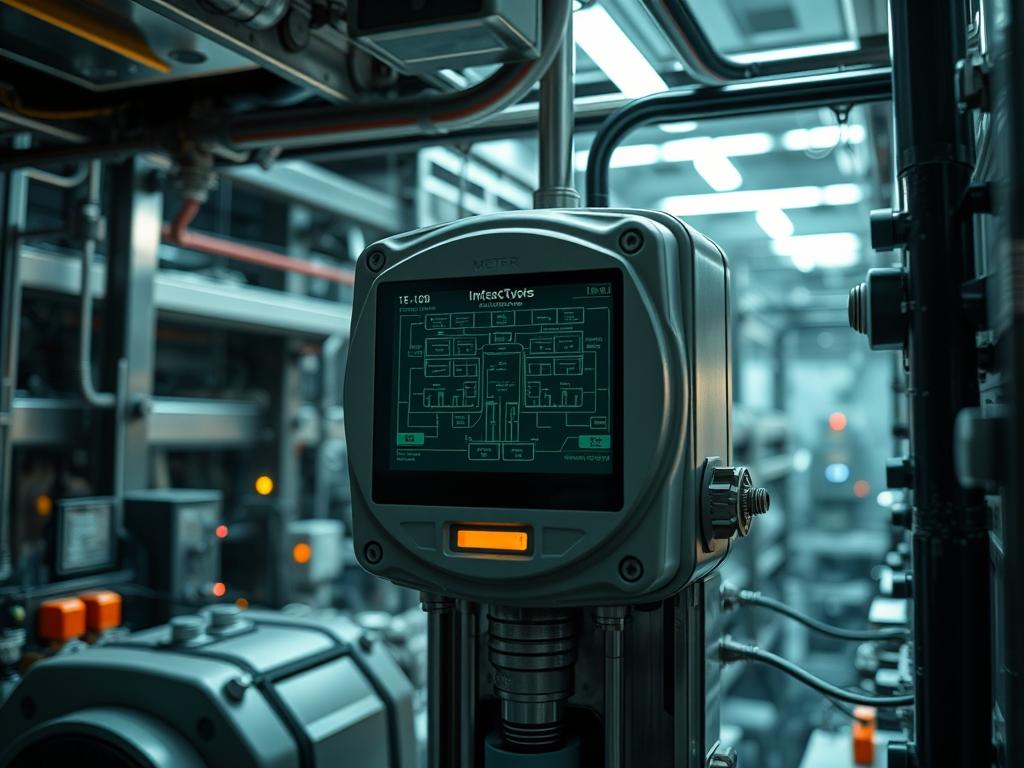
Smart Meter LCD Error Codes represent the critical telemetry intersection between physical electrical metrology and the digital Advanced Metering Infrastructure (AMI) stack. In contemporary energy utility frameworks, these codes function as the primary diagnostic interface for field technicians and automated head-end systems (HES). When a smart meter encounters a state that violates its operational parameters; whether due to firmware instability, physical tampering, or grid-level power quality issues; the Microcontroller Unit (MCU) triggers an interrupt that pushes a specific alphanumeric string to the Liquid Crystal Display. This manual provides a comprehensive architecture for interpreting, configuring, and resolving these error states within a high-concurrency network environment.
The integration of smart meters into the wider cloud infrastructure necessitates a rigorous understanding of these codes to mitigate packet-loss and reduce signal-attenuation in the backhaul. Error codes are not merely visual cues; they are the encapsulated metadata of the device’s internal health. Proper management of these faults ensures that the latency between a field failure and a centralized alert is minimized, thereby maintaining the throughput of the utility’s billing and load-balancing services. The following sections detail the engineering requirements and the systematic protocols for managing these critical assets.
Technical Specifications
| Requirement | Default Port/Operating Range | Protocol/Standard | Impact Level (1-10) | Recommended Resources |
| :— | :— | :— | :— | :— |
| Telemetry Backhaul | Port 4059 (DLMS) | DLMS/COSEM | 9 | 10/100 Ethernet / LTE-M |
| Metrology Accuracy | 47Hz to 63Hz | ANSI C12.20 | 10 | Solid State Shunt/CT |
| Data Mapping | 0 – 255 Standard Registers | ANSI C12.19 | 7 | 512KB Flash / 64KB RAM |
| Communication Interface | 900MHz / 2.4GHz | IEEE 802.15.4g | 8 | Mesh NCU / Gateway |
| Physical Reliability | -40C to +85C | IEC 62052-11 | 6 | IP54 Rated Enclosure |
The Configuration Protocol
Environment Prerequisites:
Before executing a diagnostic sweep or reconfiguring a meter’s error-reporting threshold, the environment must meet specific compliance standards. Ensure all hardware is compliant with ANSI C12.1 or IEC 62053-21 for accuracy. Software interfaces for field tools must be running a minimum of OpenDLMS v2.4 or an equivalent vendor-specific stack. User permissions must be elevated to the SMSO (Smart Meter System Operator) level, granting write access to the metrology configuration registers. Communication links require a minimum signal-to-noise ratio (SNR) of 15dB to prevent frame data corruption during the configuration upload.
Section A: Implementation Logic:
The engineering design of Smart Meter LCD Error Codes relies on a layered encapsulation model. At the physical layer, sensors monitor voltage, current, and temperature. If a value exceeds the programmed safety threshold, the metrology chip generates a hardware interrupt directed to the application processor. The implementation logic dictates that the error must be recorded in the persistent event log (Non-Volatile Memory) before it is displayed on the LCD. This ensures that even in the event of a total power loss, the “last gasp” message contains the localized fault state. The logic-controllers manage the transition between standard billing displays and error-state cycles, often prioritizing critical safety faults (e.g., terminal over-temperature) over informational alerts (e.g., low clock battery).
Step-By-Step Execution
Step 1: Initialize Local Connection via Optical Probe
Connect the fluke-multimeter and the optical communication probe to the meter’s infrared port. Verify that the interface is recognized by the local diagnostic utility.
System Note: This action establishes a serial connection that bypasses the RF mesh, allowing for direct interrogation of the MCU’s kernel log without network-induced latency.
Step 2: Extract Current Register State
Execute the command dlms-read –target /dev/ttyUSB0 –register 0.0.96.1.0.255 to pull the current error register profile.
System Note: This command triggers a Get-Request over the DLMS/COSEM protocol, forcing the meter to return the active payload of current fault registers held in volatile memory.
Step 3: Validate Firmware Checksums
Navigate to the directory /var/log/metering/firmware/ and run sha256sum –check firmware_manifest.bin to ensure the operating system has not been compromised or corrupted.
System Note: Corruption in the firmware binary often manifests as a “Memory Checksum Error” on the LCD, which can lead to unpredictable behavior in the metrology engine.
Step 4: Reset Service Daemons
If the LCD displays a communication error code, restart the local communication stack using systemctl restart mbus-daemon or systemctl restart zigbee-bridge.
System Note: Restarting these services flushes the local buffers and re-initializes the physical radio hardware, clearing transient packet-loss errors caused by local frequency interference.
Step 5: Verify Critical Hardware Components
Use the fluke-multimeter to measure the voltage across the CMOS battery terminals and the main power capacitors if the “Low Battery” or “Power Failure” codes persist.
System Note: Physical voltage drops can trigger false-positive error codes if the analog-to-digital converter (ADC) lacks sufficient reference voltage.
Section B: Dependency Fault-Lines:
Software conflicts between the meter’s firmware and the Head-End System (HES) often lead to “Unknown Error” strings. This usually occurs when a newer firmware version utilizes data registers that have not been mapped in the legacy HES database. Mechanical bottlenecks, such as signal attenuation caused by physical obstructions or interference from high-voltage equipment, can also result in “Comm Fail” error codes. Additionally, thermal-inertia in the meter’s terminal block can lead to delayed high-temperature alarms; by the time the LCD displays the code, the internal circuitry may have already suffered heat-induced degradation.
THE TROUBLESHOOTING MATRIX
Section C: Logs & Debugging:
Log analysis is the primary method for resolving persistent Smart Meter LCD Error Codes. Most meters maintain a rolling log located at /mnt/data/logs/event_log.csv or accessible via the ANSI C12.19 table 78.
- Error Code E0001 (Battery Failure): Navigate to the sensor readout for the internal Lithium cell. If the voltage is below 3.2V, the hardware requires a physical battery replacement.
- Error Code E0013 (Reverse Energy): This suggests the meter is detecting current flowing in the opposite direction. Verify the CT (Current Transformer) orientation and cross-reference with the load profile logs to rule out unauthorized grid injections.
- Error Code E0021 (Memory Corruption): Check the system logs for I/O errors on the NAND flash. Running chmod 644 /etc/meter/config.conf may resolve permission-related write failures that mimic hardware defects.
- Error Code E0044 (Neutral Disturbance): Use a fluke-multimeter to check for voltage between the neutral and ground terminals. High readings suggest a grounding fault in the building’s wiring rather than a meter failure.
Visual cues are also vital. A flashing “Alert” triangle on the LCD usually indicates an unacknowledged event in the log, while a solid “Error” text typically signifies a hardware lockout condition that requires a local reset via the logic-controllers.
OPTIMIZATION & HARDENING
Performance Tuning:
To improve the throughput of error reporting, adjust the polling interval of the AMI gateway. Setting the heartbeat concurrency to an optimal level prevents the network from becoming saturated during a mass-outage event. Thermal efficiency should be managed by ensuring the LCD backlight dimming parameters are set to aggressive timeouts, reducing the overall heat signature of the MCU.
Security Hardening:
Harden the physical security logic by enabling the “Magnetic Interference Detection” error code. This uses a Hall-effect sensor to detect the presence of external magnets used to slow the metrology disk. On the software side, ensure all DLMS/COSEM traffic is encrypted using Security Suite 1 (AES-128 GCM) to prevent unauthorized cleartext reading of the error registers. Firewall rules should be applied at the gateway level to restrict access to the meter’s configuration ports.
Scaling Logic:
As the network scales to thousands of nodes, the manual collection of error codes becomes impossible. Implement an automated “Log Aggregator” service that uses an idempotent script to pull fault codes and categorize them in a centralized database. This allows for predictive maintenance by identifying clusters of specific codes (e.g., “Signal Attenuation” errors in a particular geographic region) before they result in a total system failure.
THE ADMIN DESK
How do I clear a persistent tamper error?
Tamper errors must be cleared through a secure command sent from the Head-End System. After verifying the physical security of the meter, send a “Global Reset” command to the specific meter ID using the logic-controllers interface.
Why is the LCD blank despite power being present?
A blank LCD often indicates a connection failure between the metrology board and the display module. Inspect the ribbon cable or check for a “System Halted” state caused by a critical firmware kernel panic.
Can error codes be customized?
Most Smart Meter LCD Error Codes are standardized by international bodies; however, certain manufacturer-specific registers can be remapped using the config-util tool to provide more granular detail on site-specific environmental conditions.
What causes intermittent “Comm Fail” codes?
Intermittent communication failures are typically caused by signal-attenuation or packet-loss in the RF layer. Ensure the meter antenna is not obstructed and check for local sources of RFI (Radio Frequency Interference) using a spectrum analyzer.