
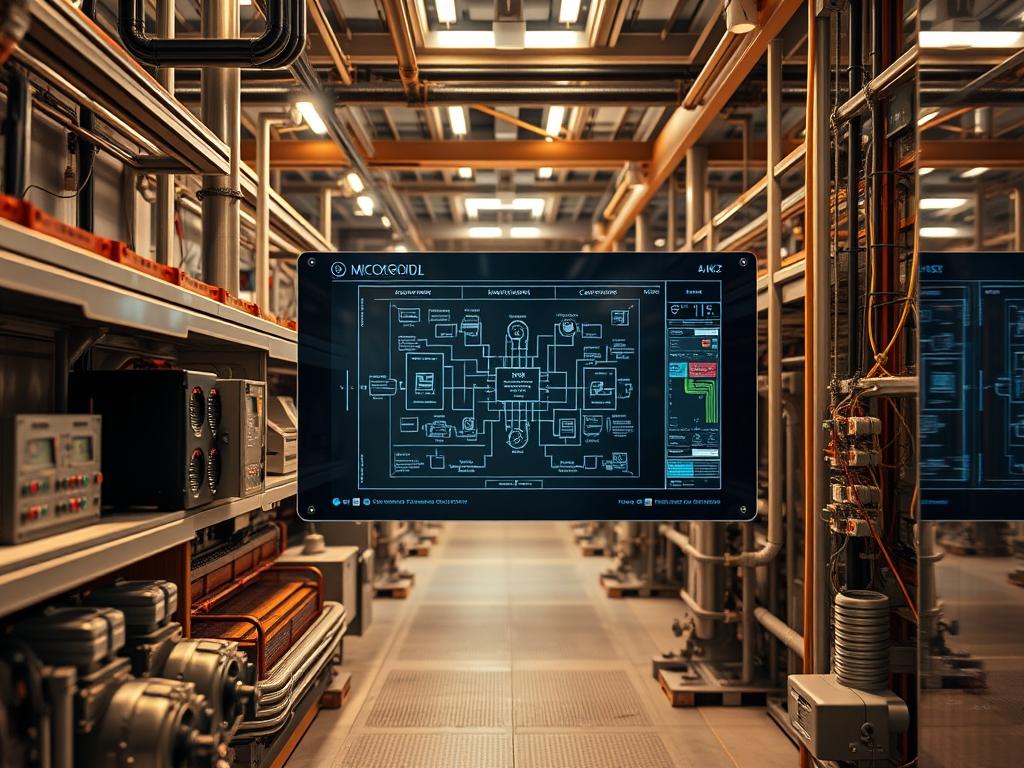
Microgrid Real Time Simulation represents the apex of modern power systems engineering; it facilitates the transition from static modeling to dynamic, hardware aligned validation. Within the broader technical stack of energy and network infrastructure, these tools provide a deterministic environment where the control logic of Distributed Energy Resources (DERs) is stress-tested against high frequency transients. The fundamental problem addressed is the gap between software based logic and physical electromechanical response. Without real time validation, control signals may exhibit jitter or timing mismatches that induce significant physical stresses or permanent asset damage. By simulating the grid in a closed loop environment, engineers can isolate failure modes such as sub-synchronous resonance or protection relay miscoordination. This manual outlines the protocols for establishing a high fidelity simulation environment: ensuring that every packet sent over the industrial backplane is validated for timing and integrity before it ever touches a physical breaker.
TECHNICAL SPECIFICATIONS
| Requirement | Default Port/Operating Range | Protocol/Standard | Impact Level | Recommended Resources |
|:—|:—|:—|:—|:—|
| Real Time Processor | 50 microseconds – 100 microseconds | IEEE 1547.1 | 10 | 16-Core Xeon / 64GB RAM |
| FPGA Bitstream I/O | 10 nanosecond resolution | PCIe Gen3 | 9 | Xilinx Kintex-7 or Virtex-7 |
| Communication NIC | Port 502 / 20000 / 102 | Modbus / DNP3 / IEC 61850 | 8 | Dual-Port SFP+ 10GbE |
| Logic Controller | 24V DC / 4-20mA | IEC 61131-3 | 7 | PLC-Grade Logic Unit |
| Network Switch | Layer 2/3 Managed | IEEE 1588 (PTP) | 9 | Low-latency Industrial Switch |
| Thermal Management | 15C to 35C | ASHRAE TC 9.9 | 6 | Dedicated Rack Cooling |
THE CONFIGURATION PROTOCOL
Environment Prerequisites:
The deployment environment must adhere to strict software and hardware dependencies to ensure simulation stability. Prerequisites include:
1. A Linux distribution configured with the PREEMPT_RT patch for deterministic scheduling.
2. Installation of MATLAB/Simulink with the Coder and HDL Verifier toolboxes.
3. Access to an Opal-RT or RTDS chassis with dedicated FPGA resources.
4. User permissions must allow for chrt (change real-time attributes) and taskset (CPU affinity) privileges.
5. Compliance with IEEE 1547 for grid interconnection and NEC Article 705 for distributed generation.
Section A: Implementation Logic:
The engineering design of a Microgrid Real Time Simulation is centered on the concept of the synchronous time step. Unlike a standard simulation which runs “as fast as possible,” a real time simulation must execute all mathematical computations within a strictly defined interval that matches the real world clock. This ensures that the throughput of the simulation data matches the physical response of the hardware. We utilize mathematical encapsulation to separate the plant model (the physical grid) from the control logic. By ensuring that the control logic is idempotent, we guarantee that the same input conditions will always result in the same output state, which is vital for validating protective relaying and emergency load shedding. The simulation must account for thermal-inertia in battery storage models and signal-attenuation in long-distance communication links to maintain high fidelity.
Step-By-Step Execution
Step 1: Verify Kernel Determinism
Execute the command cyclictest -p 99 -n -m.
System Note: This command measures the latency between the hardware clock and the software scheduler. A consistent result under 20 microseconds is required to prevent “step size overruns” where the simulation logic exceeds its allotted time window.
Step 2: Configure CPU Affinity for Logic Execution
Execute the command taskset -c 1-4 /usr/bin/rt_sim_engine.
System Note: By binding the simulation engine to specific physical cores, we eliminate the overhead caused by context switching and ensure the math kernels have exclusive access to L2/L3 cache resources.
Step 3: Initialize the Communication Link
Execute the command ip link set dev eth0 up followed by ethtool -K eth0 lso off gro off.
System Note: Disabling Large Send Offload (LSO) and Generic Receive Offload (GRO) reduces the packet-loss risk and prevents the network card from buffering small, time-critical industrial packets, thereby minimizing latency.
Step 4: Map Physical I/O to Virtual Variables
Modify the configuration file at /etc/rt_sim/io_map.conf to link FPGA_CH_01 to Inverter_Phase_A_Voltage.
System Note: This creates a direct bridge between the physical terminal blocks and the software models. Use high-quality fluke-multimeter units to verify that the analog output voltages match the software variables during the calibration phase.
Step 5: Deploy the Logic Bitstream
Execute the command rt_load_bitstream –file ./microgrid_logic.bin –device /dev/fpga0.
System Note: This flashes the compiled control logic onto the logic-controllers within the FPGA. This hardware level execution allows the simulation to handle high-frequency transients that software processors cannot resolve.
Step 6: Monitor Real-Time Performance
Execute the command rt_top –pid [process_id].
System Note: This utility observes the utilization of the simulation engine. If the “Execution Time” exceeds 80 percent of the “Step Size,” the model must be simplified to avoid a crash during a high-traffic event.
Section B: Dependency Fault-Lines:
Software library conflicts are the most frequent cause of simulation failure. Specifically, discrepancies between the GLIBC version required by the simulation engine and the version installed on the host OS can lead to core dumps. Mechanical bottlenecks often arise from signal-attenuation in poorly shielded copper cables between the RT simulator and the physical PLC. Always use shielded twisted-pair (STP) or fiber optics for long runs. Furthermore, high packet-loss in the DNP3 stream is often traced to improper VLAN tagging on the industrial switch, which introduces unnecessary concurrency issues with non-essential traffic.
THE TROUBLESHOOTING MATRIX
Section C: Logs & Debugging:
When a simulation fails, the primary point of entry is the kernel ring buffer and the application-specific logs located at /var/log/rt_sim/error.log. Common error strings and their resolutions include:
1. “Overrun Detected”: This indicates the CPU could not complete the math within the fixed-step. Reduce the complexity of the MATLAB model or increase the simulation step size from 50 to 100 microseconds.
2. “FPGA Sync Lost”: Check the physical fiber link between the processor and the FPGA chassis. Look for signal-attenuation or broken connectors.
3. “Modbus Exception 0x02”: The data point requested by the simulation does not exist on the physical logic-controllers. Verify the register addresses in the mapping file.
4. “Stale Data Packet”: This occurs when the latency of the network exceeds the simulation step. Check the IEEE 1588 PTP clock synchronization status.
Visual cues from the equipment are equally important. A flashing red “ERR” light on the logic-controllers typically signifies a firmware mismatch, while a solid orange light on the NIC indicates the link is negotiated at a lower speed than required, causing throughput constraints.
OPTIMIZATION & HARDENING
– Performance Tuning: Use concurrency-aware modeling techniques by splitting the grid into sub-circuits that can be processed in parallel. Minimize the payload size of communication packets by using binary-coded decimals instead of floating-point numbers where possible. Tuning the thermal-inertia parameters in the software ensures that the hardware components are not over-driven during peak simulation loads.
– Security Hardening: Implement strict firewall rules using iptables to allow traffic only on necessary ports like 502 (Modbus) and 20000 (DNP3). Disable all non-essential services using systemctl disable avahi-daemon. Ensure that the physical logic-controllers have a hardware-level fail-safe that forces all breakers to “Open” if the simulation heartbeat is lost.
– Scaling Logic: To expand the simulation under high traffic, utilize a multi-chassis configuration linked via a low-latency backplane. Distributed simulation requires the use of a “Master Clock” to maintain synchronization across all nodes, preventing drift that would invalidate the results.
THE ADMIN DESK
How do I resolve jitters in the HIL loop?
Verify the CPU_AFFINITY settings and ensure the real-time kernel has no background processes competing for time. Check for signal-attenuation in I/O cables and ensure that the payload of the packets is not being fragmented by the switch.
Why is my FPGA bitstream failing to load?
Ensure the hardware version of the FPGA matches the target architecture in the compiler. Check the logs at /var/log/fpga_loader.log for specific resource conflicts, such as insufficient logic cells or memory blocks for the current model size.
What is the ideal step size for an inverter simulation?
For power electronics involving high-frequency switching, a step size of 1 to 5 microseconds is ideal. For general grid transients, 50 to 100 microseconds is sufficient. Smaller steps require more throughput and increase the risk of overruns.
How can I reduce network-induced latency?
Enable Jumbo Frames if the hardware supports it, but primarily focus on disabling LSO and GRO on the NIC. Use a dedicated VLAN for simulation traffic and implement IEEE 1588 PTP for sub-microsecond clock synchronization between all nodes.
What does a “Bus Contention” error signify?
This indicates that two processes are trying to write to the same FPGA register or physical output simultaneously. Review the model architecture to ensure that logic is strictly partitioned and that memory access is idempotent and synchronized.